Reinforcement
The reinforcement is automatically designed. On this tab the reinforcement is shown and you can adjust the reinforcement. Both the basic reinforcement and the additional reinforcement.
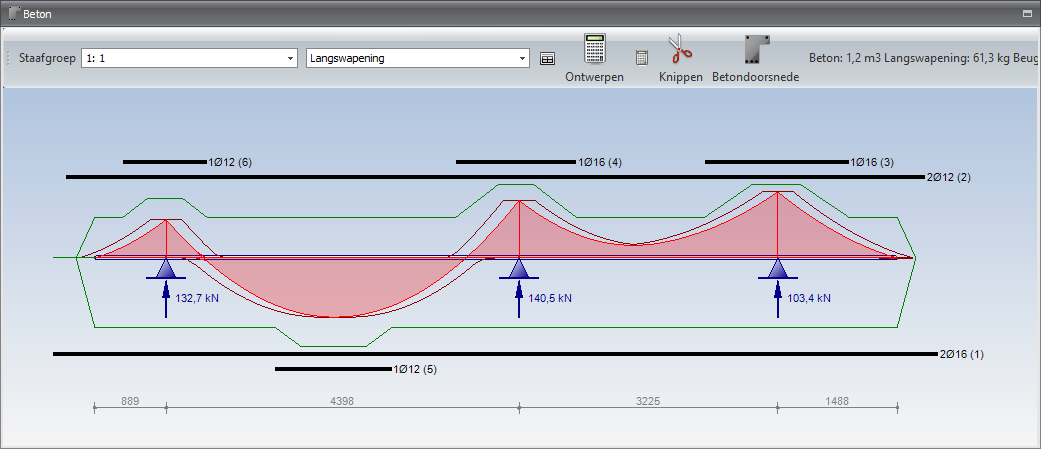
Adjusting Reinforcement Bars
Double-click with the left mouse button on the reinforcement. A dialog window will open.

You can choose from "number x diameter", "diameter - ctc" or "mm2"
Extending/Shortening Reinforcement Bars
Move the mouse to the end of the reinforcement. The cursor changes and you can easily extend or shorten the bar.
Copying Reinforcement Bars
Place the mouse on the reinforcement. With the right mouse button you open a context menu. Choose copy.
Deleting Reinforcement Bars
Place the mouse on the reinforcement. With the right mouse button you open a context menu. Choose delete.
Menu
Bar Group
Here you can select the beam you want to display. You can also click on the beam in the 3D view. It will be displayed in yellow.
Longitudinal Reinforcement / Stirrups
You can choose to display the longitudinal reinforcement or the stirrups.
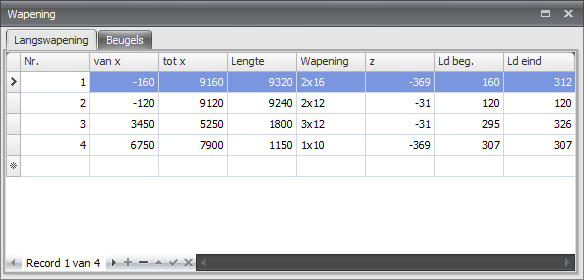
Show a Movable Screen with Reinforcement Tables

Design

With this function you can redesign the reinforcement of this beam. This may be necessary when you have adjusted the geometry or loading, for example.
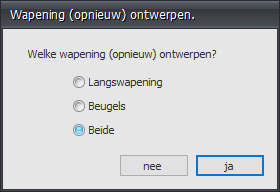
Design All Bars

With this function you can redesign the reinforcement of all bars. This may be necessary when you have adjusted the geometry or loading, for example.
Cut

You can cut the reinforcement bars.
Concrete Section

With this function you can request a detailed drawing and calculation of each section.
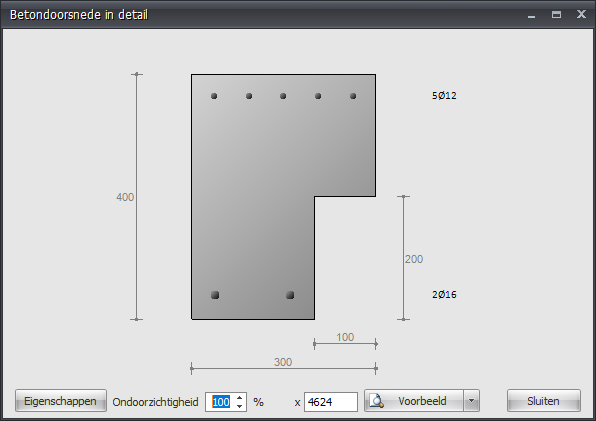
Choose Preview for a detailed calculation.